RacelabVR 3.0 is Here!

After months of beta testing and your incredible feedback, RacelabVR 3.0 is officially stable and available to everyone! 🎉
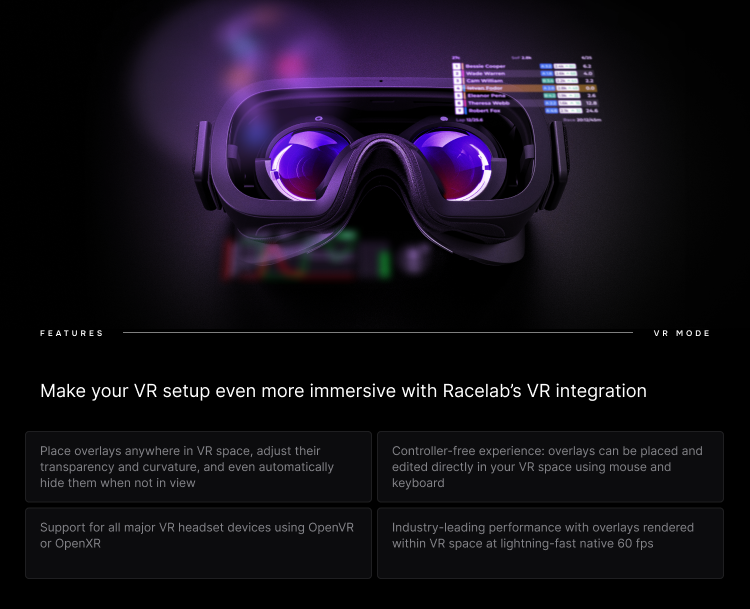
This is a major milestone for RaceLab. VR 3.0 brings native overlay rendering directly into your VR headset, meaning you no longer need to rely on workarounds or third-party tools. Your RaceLab overlays live right there in your virtual cockpit, exactly where you need them.
What's new in VR 3.0
- Native VR overlays - Your overlays render directly in your VR headset with minimal performance impact
- Overlay Sets - Save multiple overlay configurations and switch between them depending on your setup
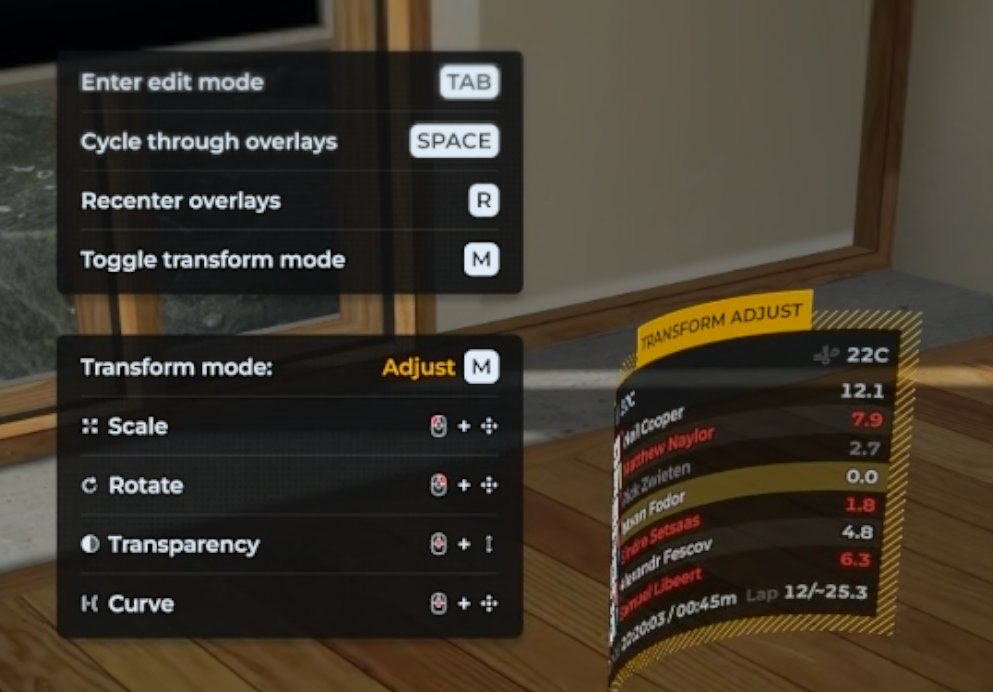
- In-headset positioning - Move and resize overlays while in VR using intuitive controls (Tab, Esc, Space, M keys)
- Curvature support - Bend overlays for a more immersive display (OpenVR)
- Gaze-Based Transparency - Overlays fade based on where you're looking, reducing visual clutter
- Resolution scaling - Fine-tune overlay resolution for the best balance of clarity and performance
Supported platforms
RacelabVR 3.0 works with both OpenVR and OpenXR runtimes, supporting a wide range of headsets including Valve Index, Meta Quest (via Link/Air Link), HP Reverb, Pimax, Varjo, and more.
Getting started
- Make sure you're on the latest version of RaceLab
- Go to Settings and enable RacelabVR
- Launch your sim in VR and your overlays will appear in your headset
- Use the in-headset controls to position them exactly where you want
Check our VR documentation for the full setup guide.
A huge thank you to everyone who participated in the beta and helped us shape this release. Your feedback was invaluable! ❤️
Questions or issues? Let us know on Discord.